USB-C should have made charging simple, but most people still end up with a drawer of cables that all look the same and behave differently. The payoff is knowing which charger, cable and port matter before you buy, so your phone, tablet and laptop charge safely without carrying three bricks.
Start with the device, not the charger
The cleanest way to shop is to start with the device you charge most often. A phone usually needs far less power than a laptop, even if both use the same oval USB-C connector. Check the manufacturer support page or the tiny print on the original charger for the wattage range, then buy around that need instead of chasing the largest number on the shelf. If your phone says it can fast charge, that does not mean it will accept every high-watt charger at full speed. The device negotiates what it can take, and the charger offers what it can supply. That handshake is why a larger charger can be safe, but not always faster. For readers comparing everyday accessories on Nexgadgets, this is the first filter: match the charger to your real devices, then add a small margin for future gear.
Watts are only half the story
Watts are volts multiplied by amps, but you do not need the maths to buy well. Treat wattage as the ceiling, not a promise. A compact 30 W charger can be enough for many phones and some tablets. A 65 W charger is a common sweet spot for people who charge a phone, earbuds and a thin laptop. Larger laptop bricks can go higher, but they only help if the laptop is built to use that input. Ports also share power. A charger advertised as 100 W may deliver 65 W to one port and a smaller amount to the others when several devices are plugged in. Look for the port-by-port breakdown on the product page or packaging. If it is missing, assume the headline number is optimistic and choose something with clearer labeling.
Cable labels matter more than they look
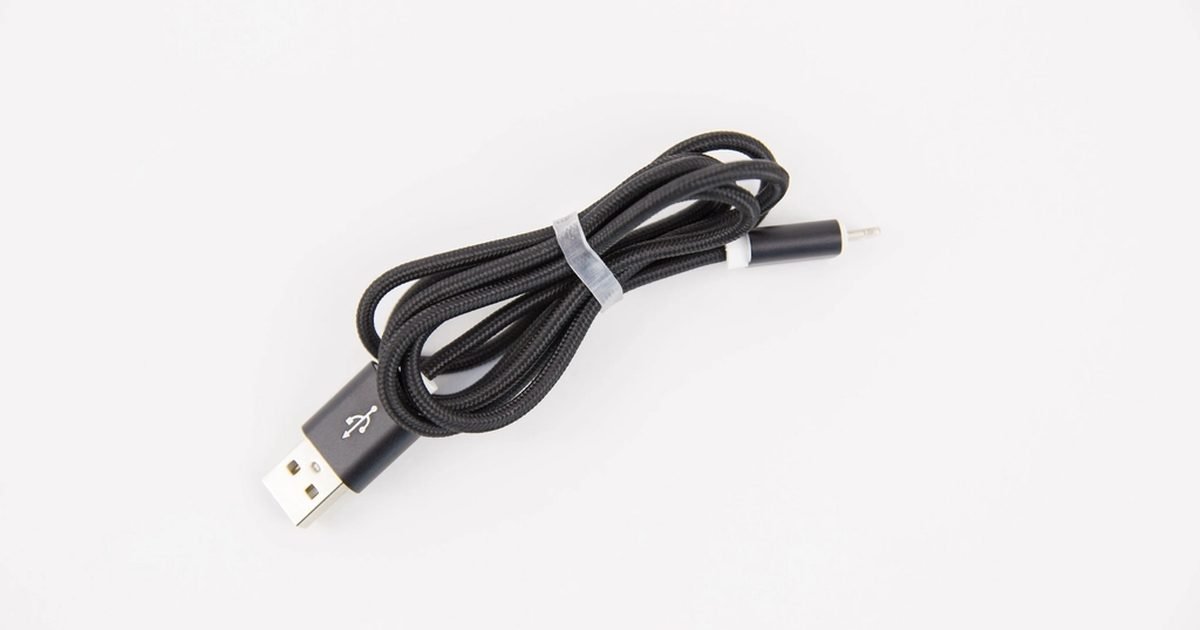
The cable is the easiest part to underestimate because the cheap one and the good one can look almost identical. Some USB-C cables are meant for basic charging. Others support higher power levels and faster data. A cable that cannot carry enough power may still charge your laptop, just slowly, or may fail when the laptop is under load. Look for a cable that states its power rating, such as 60 W, 100 W or 240 W. If you only need a bedside phone cable, a modest cable is fine. If the same cable will run a laptop, monitor or dock, buy one with the rating printed in the listing and on the cable where possible. Avoid mystery multipacks with no power rating. They are rarely worth the small saving when they become the weak link in the setup.
Fast charging creates heat, so placement counts
Fast charging is not magic. It pushes more power into the battery when the device and charger agree it is safe, then slows down as the battery fills. Heat is the thing to watch. A phone under a pillow, on a sunny windowsill or inside a thick case can get warmer than it needs to. That does not mean fast charging is bad, but it does mean the setup matters. Put the device on a hard surface with some airflow, especially when charging a tablet or laptop. If the plug, cable end or device becomes uncomfortably hot, unplug it and test another outlet, cable or charger. Occasional warmth is normal. A burning smell, buzzing, frayed cable, loose connector or discoloured plug is not a feature. Replace that part rather than trying to save it.
One charger can replace three if you choose ports well
A good multi-port charger can make a desk or travel bag simpler. The trick is buying for the mix you actually carry. If you charge a laptop and phone together, look for at least one high-power USB-C port plus a second USB-C or USB-A port for small devices. If you own older earbuds, speakers or watches, one USB-A port can still be useful. Check how power is split when two or three ports are active. Some chargers drop the main port sharply once another cable is attached, which can make a laptop complain. A clear chart is better than a big headline wattage. For travel, a compact charger with folding pins can be useful, but only if it fits firmly in wall sockets and does not block the next outlet.
When slow charging is the smarter choice
Fast charging is handy when you are leaving soon. Slow charging is better when speed does not matter. Overnight, at a work desk or beside the sofa, a lower-power charger reduces heat and is less stressful on the whole setup. Many phones also include battery care settings that delay the final part of charging until close to when you usually wake up. Turn those on if they fit your routine. You do not have to baby a modern battery, but you can avoid needless heat. If you keep a phone for several years, small habits add up: avoid leaving it baking in a car, remove a very thick case during heavy charging, and use a charger from a known brand with the safety marks required in your region.
What changes for laptops, tablets and handheld consoles
Bigger devices expose the limits of random cables faster. A tablet may charge slowly on a phone brick while still showing the charging icon. A laptop may lose battery during video calls if the charger cannot supply enough power under load. Handheld gaming devices and portable monitors can be pickier again. When you buy for these devices, check both charger and cable ratings. Also check whether the device needs power delivery over USB-C rather than a brand-specific fast-charge system. If a device came with a barrel plug or proprietary charger, do not assume any USB-C charger can replace it. Some newer laptops are flexible, but older or gaming models may need their original adapter for full performance.
Common mistakes that waste money
The first mistake is buying the biggest charger and expecting every device to become faster. The second is reusing old cables without knowing their rating. The third is buying from listings that hide the details behind vague phrases like super fast or universal. A safer shortlist has the wattage, port split, cable rating and safety marks in plain view. Another mistake is blaming the phone when the wall outlet, adapter or cable is the real problem. Test one variable at a time. Try the same charger with a known good cable, then the same cable with another charger. If charging keeps cutting in and out, inspect the port for lint and damage before buying more accessories.
A simple buying checklist
For a phone-only setup, buy a charger close to the phone maker recommendation and one decent cable with a stated rating. For a phone plus tablet, consider a two-port charger in the 45 W to 65 W range, depending on the devices. For a thin laptop plus phone, a reputable 65 W class charger is often a practical starting point, but check your laptop first. For a heavier laptop, follow the maker wattage more closely. Choose cable length carefully. A longer cable is convenient at the couch, but very cheap long cables can be poor performers. Keep one known-good cable in your bag and one on your desk. Label them if you have several similar cables in the house.
Troubleshooting a charger that feels unreliable
When charging behaves oddly, test in a calm order. Start with the wall outlet, then the charger, then the cable, then the device port. Do not swap everything at once or you will not know which part fixed it. If a phone charges from one cable but not another, retire the suspect cable. If a laptop only charges while asleep, the charger may be below the wattage needed while the laptop is working. If the plug falls out easily, inspect for lint or a bent connector rather than forcing it. For a household setup, keep one known-good charger and cable as the reference pair. That makes it much easier to spot the bad accessory before you spend money on replacements.
What to keep in a travel kit
A sensible travel kit is small, labelled and boring. Pack one compact multi-port charger, one short cable for power banks, one longer cable for hotel rooms and the cable your laptop needs if it is picky. If you travel overseas, check the plug adapter and voltage support printed on the charger before you leave. Most modern chargers handle a wide input range, but you should confirm it on the label. Avoid relying on public USB ports for important devices. A wall charger you own is cleaner, faster and less confusing. If you lend cables often, choose a distinct colour so your best cable does not vanish at the airport gate.
Pros and cons
What works well
- One quality USB-C charger can reduce clutter across phones, tablets and some laptops.
- Clear wattage and cable ratings make problems easier to diagnose.
- A slightly higher-capacity charger can be useful for future devices when it comes from a reputable brand.
What to watch out for
- Not every USB-C cable supports laptop charging or fast data.
- Headline wattage can be misleading when several ports share power.
- Some proprietary fast-charge systems work best with the maker charger and cable.
Verdict: best for, and who should skip it
Best for people who want one reliable charging setup for daily devices without learning electrical engineering. Skip the upgrade if your current branded charger and cable already meet your needs. The main trade-off is paying a little more for clear ratings and safer build quality instead of buying the cheapest identical-looking cable.
Questions
Can a high-watt USB-C charger damage my phone?
A proper USB-C Power Delivery charger negotiates with the device, so the phone should only draw what it can use. The bigger risk is a poor-quality charger, damaged cable or excessive heat, not the larger number by itself.
Why does my laptop charge slowly from a phone charger?
The charger may not provide enough watts for the laptop, especially while the laptop is awake. The cable may also be rated for lower power. Use the laptop maker guidance as the baseline.
Do I need a 240 W USB-C cable?
Most people do not. A clearly rated 60 W or 100 W cable covers many phones, tablets and thin laptops. Higher-rated cables are useful for specific high-power devices.
Is wireless charging better for battery life?
Wireless charging is convenient, but it can create extra heat if the phone is misaligned or enclosed. Use it for convenience, not because it is automatically gentler.
Next step: If charging is part of a wider desk setup, read our laptop buying guides at Nexgadgets laptops before choosing a dock or power adapter.
Nexgadgets provides general information, not professional advice. Always do your own research.