A privacy screen protector sounds like an easy win: stick it on your phone, keep nosy seatmates out, and carry on. The catch is that the same filter that narrows someone else’s view also changes your own view, especially outdoors, in bed, in the car, or when you hand your phone to someone. This guide walks through when the trade-off is worth it and when a normal tempered-glass protector is the better buy.
What a privacy screen protector actually does
A privacy screen protector is not a software privacy tool. It is a physical filter, usually built into a tempered-glass or plastic screen cover, that limits the viewing angle of your display. When you look straight at the phone, the screen stays readable. When someone looks from the side, the display darkens or becomes hard to read. That makes it useful in places where your screen is close to other faces: trains, buses, planes, queues, shared offices, classrooms and cafes. It does not hide your screen from the person standing directly behind you, and it does not stop malware, tracking, account leaks or notification previews. Think of it as a shoulder-surfing guard, not full phone security. The best results come when your phone is mostly used in portrait mode and held close to your own line of sight. If you often share the screen across a table, watch videos with someone else, mount the phone in a car, or glance at it from odd angles, the filter can start to feel like friction.
The situations where it earns its keep
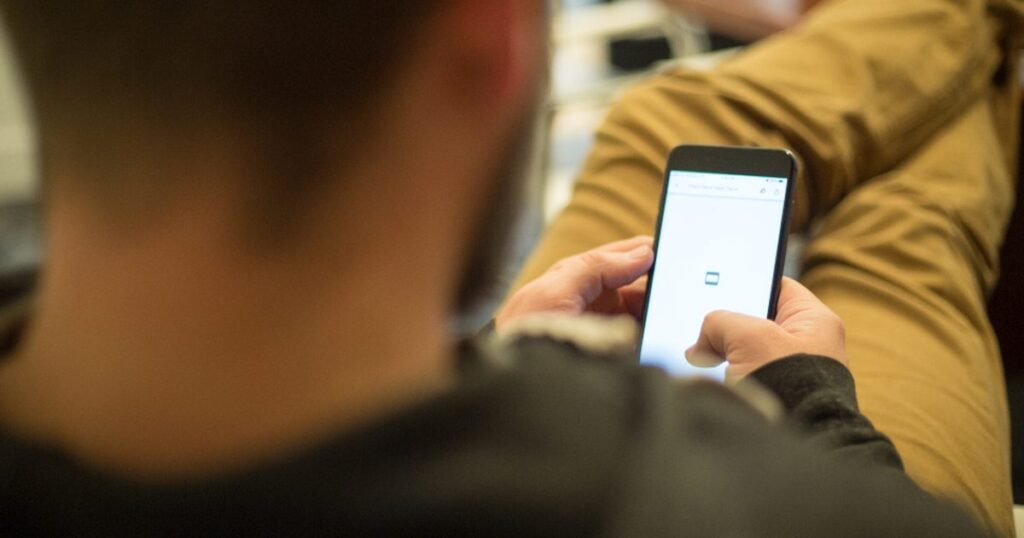
The clearest case is public travel. If you reply to messages, check work chats, read banking alerts or open travel bookings on a packed commute, a privacy protector gives you a simple extra barrier. It can also help in open-plan offices where people walk past your desk, or at school and university when your phone is on the desk between classes. People who handle sensitive client names, medical appointments, addresses, two-factor codes or family messages may like the peace of mind, even if the protection is not perfect. It is also useful if you are trying to be less exposed in general and you already use safer basics such as passcodes, app locks and shorter notification previews. Nexgadgets usually treats privacy accessories as small layers rather than magic fixes: one layer may not solve everything, but it can reduce easy mistakes in the right setting.

Where it becomes annoying fast
The main downside is that your own screen becomes fussier. You need to look at it more squarely, and small changes in angle can make the display look dimmer. That is fine when you are standing still, but it is less pleasant when the phone is lying on a desk, sitting in a wireless charger, mounted on a dashboard or propped beside a laptop. It can also be irritating when you are cooking from a recipe, following a workout, filming yourself, using the phone as a baby monitor screen, or showing a boarding pass to someone at a counter. Some people also notice more eye strain because they raise brightness to fight the darker view. If you already run your display near maximum brightness outdoors, a privacy filter may leave you with less headroom. The annoyance is not dramatic for everyone, but it is real enough that this should be a deliberate purchase, not the default protector.
Brightness, glare and outdoor use
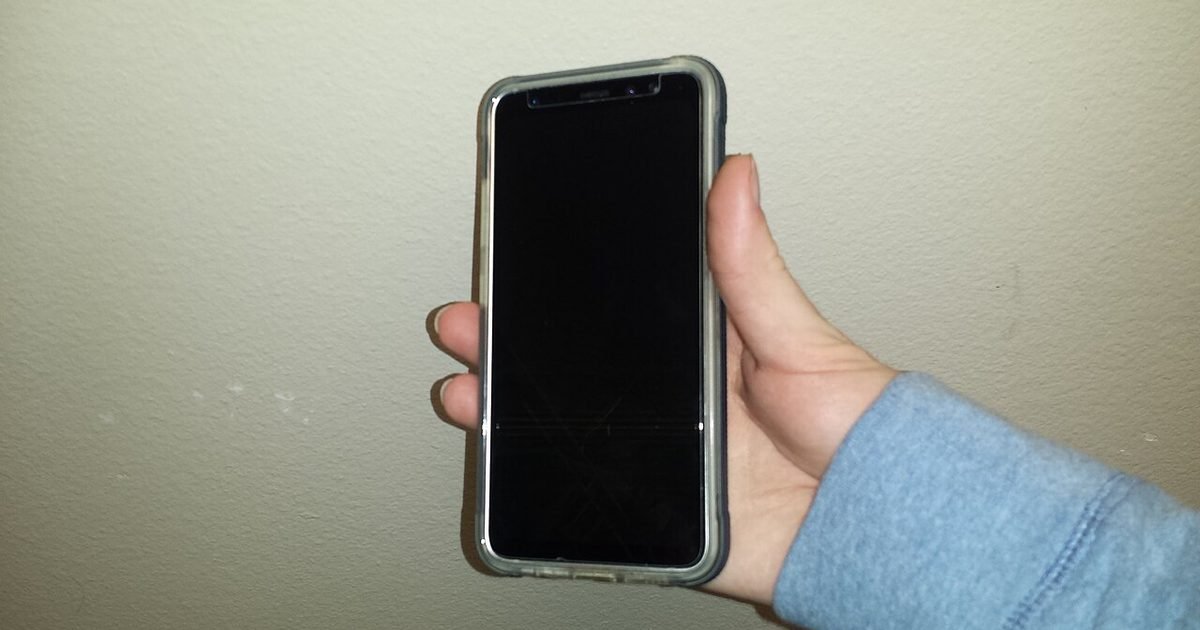
Privacy filters work by controlling the path of light, so they often make the screen look darker than a plain clear protector. That matters most outdoors, in bright shops, near windows and under strong office lights. A high-end phone with a bright display can hide some of the effect. A budget phone, older screen, or battery-saver mode will show it more. Glare can also be tricky. Some protectors add reflections, while others use a matte finish that cuts reflections but softens text. Neither is automatically better. Glossy glass usually keeps text sharper and swiping smoother. Matte protectors can feel nicer for reading but may make photos and videos look less crisp. Before buying, check whether the listing says two-way or four-way privacy. Two-way usually darkens the screen from the left and right, which suits portrait phone use. Four-way narrows the view from more directions, but it can feel restrictive for daily use.
Fingerprint readers, cases and fit
Fit matters more than the marketing. If your phone uses an in-display fingerprint reader, a thick or low-quality protector can reduce unlock reliability. Some brands include an installation step where you re-register your fingerprints after fitting the glass, and that is worth doing. Cases are another common problem. A protector that sits too close to the phone’s edge can lift when a case presses against it, letting dust creep under the glass. Curved-screen phones can be harder again because adhesive coverage and edge fit vary by product. Camera cut-outs, selfie-camera holes and earpiece slots should also line up cleanly. A protector that is slightly off-centre may not break the phone, but it will annoy you every time you swipe down for notifications. If you use a rugged case, check case-compatible reviews and photos from real buyers rather than relying only on product renders.
How to choose one without overbuying
Start with the privacy problem you actually have. For public transport and shoulder-to-shoulder seating, a two-way tempered-glass privacy protector is usually the sensible starting point. For high-security workplaces, you may need employer-approved gear instead of a random online accessory. For most households, travel and cafe use, avoid paying extra for claims that are vague or impossible to check. Look for a protector made for your exact model, not just the same screen size. Prefer listings that mention case compatibility, fingerprint-reader support where relevant, and a simple replacement policy if the first install fails. A fitting frame is a small but useful bonus because dust and misalignment are the usual reasons protectors end up in the bin. If you mostly want scratch protection, buy normal clear tempered glass instead. It will be cheaper, brighter and easier to live with.
Installation mistakes that ruin the result
Most bad experiences start before the protector is even on the screen. Dust is the enemy. Wash your hands, clean the phone, use the dust stickers, and fit the protector in a room with still air. Bathrooms can work after a warm shower has settled airborne dust, but do not fit anything while the room is wet or steamy. Line up the earpiece, camera cut-out and edges before dropping the glass. Once adhesive touches the display, lifting and moving it usually adds dust. After fitting, press out bubbles gently from the centre. Small bubbles near the edge may settle, but bubbles around dust usually stay. If the protector affects touch or fingerprint unlock, remove saved fingerprints and register them again with the protector already installed. Do not press hard with keys, coins or tools to test it. A protector is there to take ordinary wear, not a stunt test.
Phone settings that improve privacy without buying anything
A screen protector works best when your phone settings do not leak information first. Turn on a secure lock method, reduce notification details on the lock screen, hide sensitive content for chat and banking apps, and shorten the auto-lock timer. On Android, check each app’s notification categories because some apps let you hide message previews while keeping useful alerts. Also review quick settings and widgets that show calendar details or smart-home controls before the phone is unlocked. If you use your phone for work, separate work and personal apps where your device supports it. A privacy screen will not help if a full message preview lights up while the phone is flat on a table. For a wider checklist, use the site’s Privacy guides alongside this hardware choice.
Who should avoid one
Skip a privacy protector if you share your screen often. Parents showing photos to kids, couples watching clips together, drivers using a dashboard mount, creators framing shots, and anyone who uses their phone as a mini second screen may dislike the narrow angle. It is also a poor fit if your eyesight makes you sensitive to dim displays or if you already struggle to read the screen outdoors. People with foldables should be especially careful because many folding screens need specific film and handling. Do not add a hard glass protector unless the phone maker or a trusted repair source says it is safe for that model. If you use an older phone with weak brightness, a plain protector plus better privacy settings may be a happier mix than darkened glass.
A quick buying checklist
Before checkout, run through five checks. One: exact phone model, including year and screen type. Two: two-way or four-way privacy, with two-way preferred for most phones. Three: case compatibility if you use anything thicker than a slim case. Four: fingerprint-reader notes if your phone unlocks through the display. Five: return policy, because fit and viewing comfort are hard to judge from a listing. Also check whether the pack includes more than one protector. Multipacks are useful, not because you need three layers, but because first installs can fail. If you buy online, read the negative reviews first. Complaints about dark screens, lifted corners, poor fingerprint unlock and bad adhesive are more useful than generic five-star praise. A good protector should disappear into your routine after a day or two. If it keeps getting in your way, it is solving the wrong problem.
Pros and cons
What works well
- Reduces casual shoulder-surfing in crowded places
- Adds scratch and light drop protection when it is tempered glass
- Works without apps, accounts or setup after installation
- Pairs well with lock-screen privacy settings for everyday use
What to watch out for
- Makes the display darker and more angle-sensitive
- Can be frustrating in car mounts, desk stands and shared viewing
- May affect in-display fingerprint reliability on some phones
- Quality and fit vary a lot between brands and phone models
Verdict: best for, and who should skip it
A privacy screen protector is best for commuters, students, office workers and anyone who often opens private information near strangers. Skip it if you share your screen, use a car mount daily, need maximum outdoor brightness, or already find small phone text tiring. The trade-off is simple: you gain side-angle privacy, but you give up some viewing comfort. If that matches your routine, it is a useful low-cost layer rather than a must-have upgrade.
Questions
Do privacy screen protectors block people behind me?
Not reliably. Most are designed to darken the view from the left and right. Someone directly behind your shoulder may still see the screen if they are close enough and looking over you.
Will a privacy protector make my phone battery worse?
The protector itself does not use battery, but you may raise screen brightness more often. If you keep brightness higher all day, that can reduce battery life.
Are matte privacy protectors better than glossy ones?
Matte can cut reflections and fingerprints, but it may soften text and photos. Glossy glass usually looks sharper. Choose based on whether glare or clarity bothers you more.
Can I use one with an in-display fingerprint reader?
Often yes, but not every protector works well. Buy one that names fingerprint support for your exact model, then re-register your fingerprints after installation.
Next step: If privacy is the reason you are shopping, pair the protector with Nexgadgets’ privacy category guides so your lock screen, apps and sign-ins are not giving away what the glass hides.
Nexgadgets provides general information, not professional advice. Always do your own research.